
Sunday, March 22, 2026
How to Automate Your Faceless YouTube Channel: The Complete Production Pipeline Guide
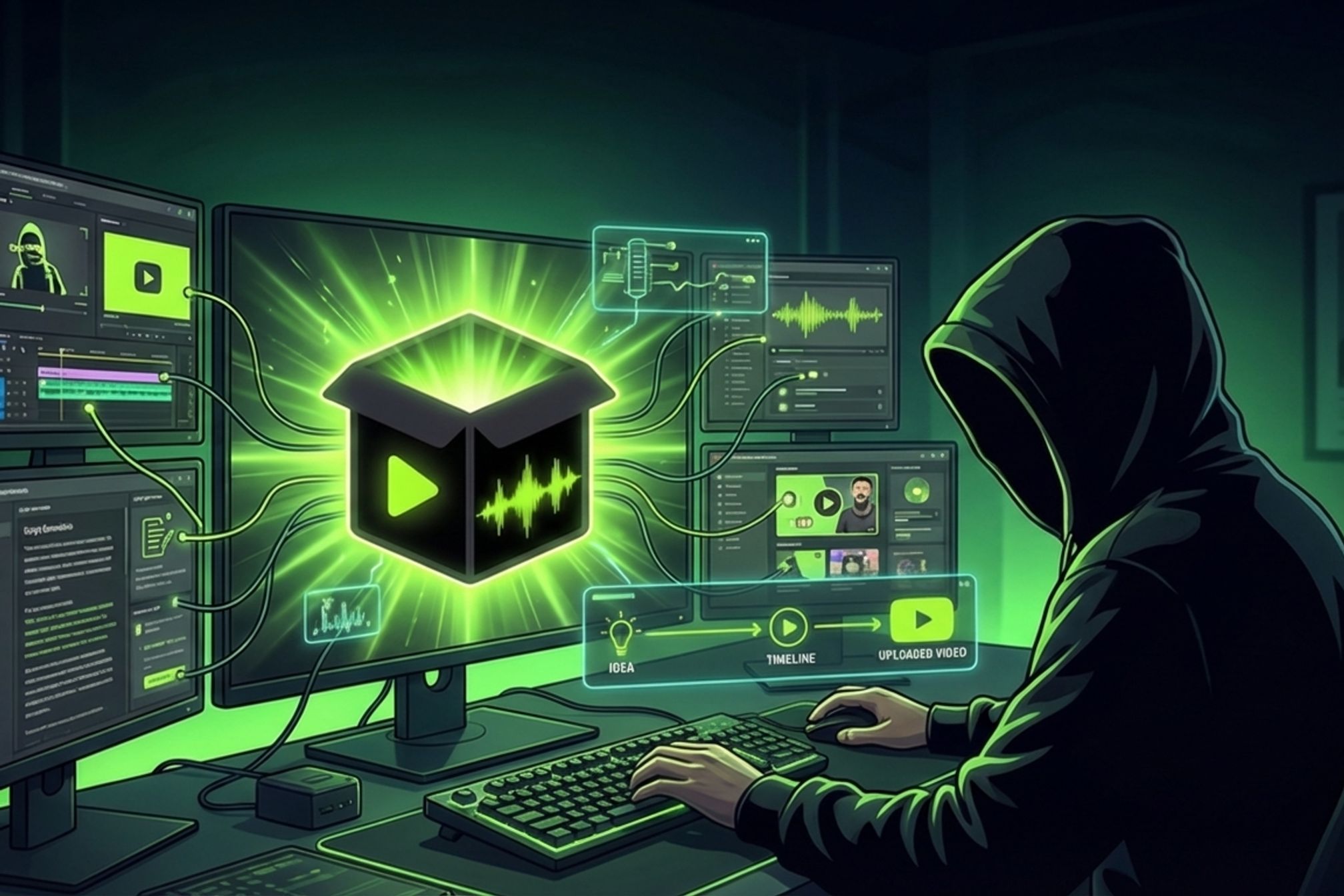
Running a faceless YouTube channel is supposed to be passive income. But right now, you're spending 3–4 hours per video stitching together six different tools: ChatGPT for scripts, ElevenLabs for voiceover, CapCut for editing, Descript for captions, Canva for thumbnails, YouTube Studio for metadata and uploads.
That's not a system. That's a job.
You've already done the hard part — picked a niche, built an audience, figured out what content works. The bottleneck isn't ideas. It's production. And it's eating the hours you should be spending on content strategy, audience research, and scaling to more channels.
There's a better way. A single production pipeline that takes your raw footage and outputs a fully scripted, voiced, edited, metadata-optimized, published video. Automatically.
## The Manual Workflow Problem
Let's be honest about what your current production process actually looks like:
<table>
<thead>
<tr>
<th>Step</th>
<th>Tool(s) Used</th>
<th>Time</th>
</tr>
</thead>
<tbody>
<tr>
<td>Write script</td>
<td>ChatGPT + Google Docs</td>
<td>30–45 min</td>
</tr>
<tr>
<td>Generate voiceover</td>
<td>ElevenLabs</td>
<td>15–20 min</td>
</tr>
<tr>
<td>Edit video + sync VO</td>
<td>CapCut / DaVinci Resolve</td>
<td>60–90 min</td>
</tr>
<tr>
<td>Add captions</td>
<td>CapCut / Descript</td>
<td>15–20 min</td>
</tr>
<tr>
<td>Create thumbnail</td>
<td>Canva / Photopea</td>
<td>15–20 min</td>
</tr>
<tr>
<td>Write metadata + upload</td>
<td>YouTube Studio</td>
<td>15–20 min</td>
</tr>
<tr>
<td>**Total**</td>
<td>**6 tools**</td>
<td>**2.5–4 hours**</td>
</tr>
</tbody>
</table>
Six tools. Four hours. And that's for _one_ video.
Now multiply it. Two videos a week? That's eight hours gone. Just on production — not ideas, not strategy, not audience building. Pure mechanical labor.
The hidden costs are worse than the time. Context switching between six apps destroys your focus. File management becomes its own job — you're naming exports, organizing project files, re-downloading assets. When you need to change one line in the script, you re-generate the voiceover, re-edit the video, re-render the export. Every change cascades through the entire manual process.
And then there's the scaling wall. This workflow works for two videos a week. It breaks at five. It's physically impossible at daily.
Research consistently shows that daily posting increases impressions 200–300%. Faceless channels that post every day in a proven niche grow dramatically faster than those posting twice a week. But manual production can't sustain daily output. Not even close.
## What an Automated Pipeline Looks Like
Instead of you being the glue between six disconnected tools, a pipeline connects every stage automatically. You upload. The pipeline handles the rest.
Here's the automated version of that same workflow:
<table>
<thead>
<tr>
<th>Stage</th>
<th>What Happens</th>
<th>Your Involvement</th>
</tr>
</thead>
<tbody>
<tr>
<td>Upload</td>
<td>Raw footage enters the pipeline</td>
<td>Drop a file</td>
</tr>
<tr>
<td>Analyze</td>
<td>AI detects scenes, extracts key content</td>
<td>None</td>
</tr>
<tr>
<td>Script</td>
<td>AI writes a voiceover script from the analysis</td>
<td>Optional review</td>
</tr>
<tr>
<td>Voiceover</td>
<td>TTS generates synced narration</td>
<td>None (or pick voice)</td>
</tr>
<tr>
<td>Edit</td>
<td>Smart cuts, arrangement, pacing, captions burned in</td>
<td>None</td>
</tr>
<tr>
<td>Render</td>
<td>Final export at your chosen quality</td>
<td>None</td>
</tr>
<tr>
<td>Metadata</td>
<td>SEO-optimized title, description, tags, chapters</td>
<td>Optional review</td>
</tr>
<tr>
<td>Publish</td>
<td>Direct upload to YouTube</td>
<td>None (or approve)</td>
</tr>
</tbody>
</table>
Total time: **upload + 5–8 minutes of processing + an optional 2-minute review.**
The difference isn't incremental. It's structural. You're not making the same process slightly faster. You're eliminating the process entirely and replacing it with a system that runs itself.
The key insight: **the best pipeline isn't fully hands-off. It's hands-off _by default_ with control _when you want it_.** You can review the script before voiceover runs. You can tweak metadata before publishing. Or you can let it all flow through untouched. It's your call, per video.
## Autopilot vs. Control — Choose Per Video
Not every video needs the same level of attention. A daily facts video for your compilation channel needs zero human review. A sponsored integration or a video announcing a new product needs your eyes on the script.
A good pipeline gives you both modes:
### Autopilot Mode
Upload → full pipeline runs → published (or flagged for your review).
This is for batch production and recurring formats. Upload five raw clips on Sunday night and have five publish-ready videos by Monday morning. Daily news roundups, weekly compilations, educational series where the format is locked in — these all benefit from zero-touch automation.
### Advanced Mode
Upload → pipeline pauses after script → you edit one line → re-run from voiceover onward → published.
This is for high-stakes content. Sponsor integrations, milestone videos, content you want to be perfect. You get the speed of automation on every stage you don't care about, and full control on the stages you do.
The critical detail: when you edit the script in Advanced mode, the pipeline only re-runs the stages _downstream_ of your change. It doesn't re-analyze the footage. It doesn't re-detect scenes. It re-generates voiceover from your updated script, re-edits the video, re-renders, and re-generates metadata. Everything upstream stays untouched.
This is the same principle behind CI/CD in software: if you change one file, you don't rebuild the entire application. You rebuild only what depends on that change. If you're curious about the engineering behind this, I wrote a [technical deep dive into the pipeline architecture](/blog/video-ci-cd-pipeline-architecture).
Why this dual-mode approach beats both fully manual _and_ fully automated tools: tools like Faceless.video and Videnly are fully automated but give you zero control over the output. When something goes wrong — and it will — you start over from scratch. Descript gives you full control but zero automation — you're still sitting in a timeline. The sweet spot is having both modes and choosing per video.
## What Good Automation Gets Right (and What Cheap Tools Get Wrong)
Not all automation is equal. There's a difference between a tool that runs a real pipeline and a tool that duct-tapes together API calls. Here's what separates them.
### Script Quality
Generic LLM prompts produce generic scripts. "Summarize this video" gives you a Wikipedia paragraph, not a voiceover script.
A good pipeline _analyzes your actual footage first_ — detecting scenes, extracting key moments, mapping the structure — and then generates a script matched to what's actually in the video. The script follows the content, not the other way around. This is the difference between a script that says "in this video, we'll cover…" and a script that says "notice how the dashboard updates in real-time when the webhook fires — that's the event-driven architecture doing its job."
### Voice Sync
Most tools generate TTS as a separate step and leave you to manually sync it with the video. A pipeline produces voiceover that's timed to the frame, matched to the pacing of each scene, with natural pauses between segments.
### Metadata as a Stage, Not an Afterthought
Title, description, tags, and chapters should be generated _from the script and content analysis_. Not hand-typed at 11pm after you've already spent three hours editing. Automated metadata is more consistent, more SEO-optimized, and more complete than what most creators write manually — because the pipeline has the full transcript, the script, and the content analysis to draw from.
### The Rerun Problem
When you change one word in a script, do you re-render the entire video from scratch? In a manual workflow, usually yes. In a stage-based pipeline, you rerun only what changed: voiceover → edit → render. Everything upstream stays untouched. This saves time, compute, and your sanity.
### Artifact Persistence
Every stage output is saved. You can go back to any version. Compare the first draft of a script with the third. Look at what the analysis stage extracted. Review the voiceover audio before it was mixed into the final video. This is version control for video production — a concept that's standard in software engineering but almost nonexistent in video workflows.
## A Real Pipeline Run
Abstract concepts only go so far. Here's a concrete example of a pipeline run from start to finish.
**The input:** A 4-minute raw screen recording of a SaaS product dashboard — a walkthrough showing how to set up automated reports.
**What happened:**
1. **Analyze** (12 seconds) — Extracted frames every 3 seconds, detected 6 distinct scenes (intro dashboard view, navigation to reports, configuration panel, preview screen, send test, confirmation), extracted text from UI elements.
2. **Script** (8 seconds) — Generated a 380-word voiceover script organized by scene. The script referenced specific UI elements visible in the recording: _"Click the Reports tab in the left sidebar, then select New Automated Report."_
3. **Voiceover** (15 seconds) — Generated narration using OpenAI TTS, timed to match each scene's duration. Total audio length: 3 minutes 42 seconds.
4. **Edit** (45 seconds) — Assembled the final video with voiceover synced to scenes, auto-zoom on mouse activity, smooth transitions between segments, and burned-in captions with word-level timestamps.
5. **Render** (30 seconds) — Final MP4 at 1080p. File size: 48MB.
6. **Metadata** (6 seconds) — Generated title: _"How to Set Up Automated Reports in [Product] — Step by Step."_ Description with timestamps. 12 relevant tags. Chapter markers matching the 6 scenes.
7. **Publish** — Uploaded to YouTube as unlisted (the default for review).
**Total processing time: 1 minute 56 seconds.**
My manual workflow for this same video — which I timed the previous week — took 3 hours and 12 minutes.
The output wasn't identical to what I'd have produced manually. It was more consistent. The captions were perfectly timed (mine never are when I do them by hand). The metadata was more thorough (I always forget half the tags). The pacing was even (my manual edits tend to rush the last third because I'm tired of editing).
## How to Get Started
You have two paths.
**Option 1: Build it yourself.** If you're a developer and want to understand the architecture, read the [technical walkthrough of the pipeline architecture](/blog/video-ci-cd-pipeline-architecture). It covers the stage-based design, queue orchestration, artifact storage, and the full stack from Next.js to Modal.
**Option 2: Use Outbox.run.** If you want the pipeline without building it, that's what we made. Upload footage, choose Autopilot or Advanced mode, and get a published video. The free tier gives you 3 videos per month at 720p — enough to test whether automated production works for your channel before committing.
Start with Autopilot on your next batch of videos. Upload three raw clips and let the pipeline run end-to-end without intervention. Review the outputs. Check the scripts, the voiceover quality, the metadata. If you want more control on a specific video, switch to Advanced mode and edit the script before the pipeline continues.
## The Math That Matters
Your audience doesn't care how many hours you spent editing. They care about the content. They care about whether your tutorial actually taught them something, whether your compilation was entertaining, whether your commentary was insightful.
Every hour you spend on production mechanics — syncing voiceover, adjusting captions, re-exporting because you found a typo — is an hour you're not spending on content strategy, audience research, or launching your next channel.
A pipeline lets you redirect that time. Two videos a week becomes ten. One channel becomes three. The production bottleneck disappears, and what's left is the work that actually matters: picking the right topics, designing formats that retain viewers, and scaling what works.
Try [Outbox.run](https://outbox.run) free — 3 videos per month, no credit card required.