Automated video production pipeline

Raw footage in.
Published video out.

Upload your footage. Outbox scripts, voices, edits, optimizes, and publishes, so you never touch a timeline again.

No credit card required. Built for developers, operators, and teams shipping video on a schedule.

Analyze
Script
Voice
Edit
Captions
Metadata
Publish

See it in action

One upload. One pipeline. One finished video.

Outbox takes your source material through analysis, scripting, voiceover, editing, metadata, and publish without you bouncing between tools.

AnalyzedScriptedVoicedEditedRenderedMetadataPublished

Core pipeline

Every stage handled inside one production system.

Analyzing frames
01
04
07
10
4 scenes detected

Analyze

Understand the footage before a single word is written

Scene detection, topic extraction, and structure mapping give the pipeline context before it drafts script or metadata.

Script

Generate an editable draft from the actual content

Outbox writes a context-aware script from your upload, so the next stages are grounded in what is really on screen.
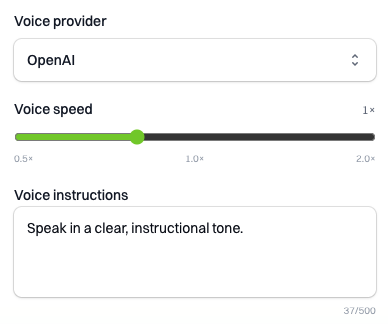
Voice provider

Voice

Sync narration without bouncing between tools

Choose your voice provider, match tone to the format, and let the system keep the voiceover aligned with the cut.

Edit

Cut, caption, and render without a timeline

Automated editing handles pacing, layout, captions, and delivery-ready output without a manual post-production pass.

Publish

Ship with metadata, chapters, and publish-ready outputs

Metadata, chapters, and publishing steps stay inside the same pipeline so the final handoff does not become another workflow.

Workflow modes

Autopilot when you're moving fast. Manual control when it matters.

1
Upload footage
2
Run all stages
3
Publish or review

Autopilot

Upload once and let the full pipeline run

Best for recurring formats, changelog videos, and any workflow where you want the system to carry footage all the way to publish.

Advanced mode
Pause. Edit. Re-run.
Awaiting edits
Script approved, rerun from voiceover onward.
Reuse analysis, preserve upstream artifacts.

Advanced

Pause after script, edit, and rerun only downstream stages

Keep control over the high-leverage decisions while preserving the speed of the rest of the pipeline.

Turn key frames into thumbnails, promo stills, and reusable campaign assets.

Assets

Generate visuals for thumbnails and distribution

Use the same run to produce thumbnail concepts, reuse key frames, and keep visual output consistent with the final edit.

Artifact history
AnalysisCached
ScriptRevision 3
VoiceoverReady
PublishScheduled

Visibility

Track every artifact and inspect every stage

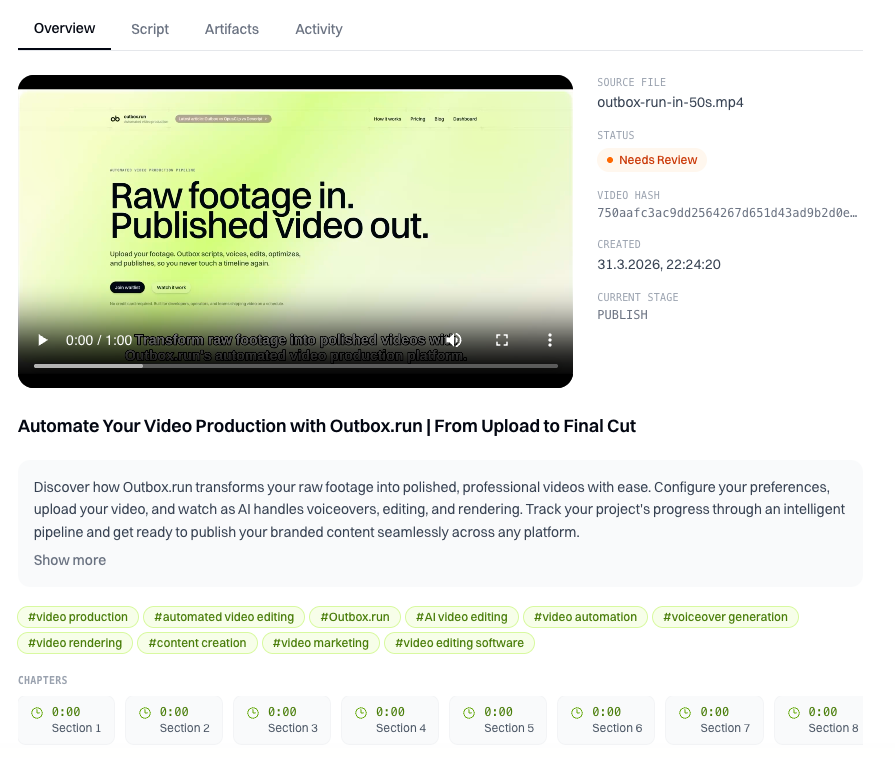
Revision history, stored artifacts, and stage-level status make it easy to review what changed before you rerun or publish.
Product proof

Screens, renders, and pipeline output instead of placeholder testimonials.

Video proof

Pipeline output preview

A finished render coming out of the same automated run that generated script, voiceover, and metadata.

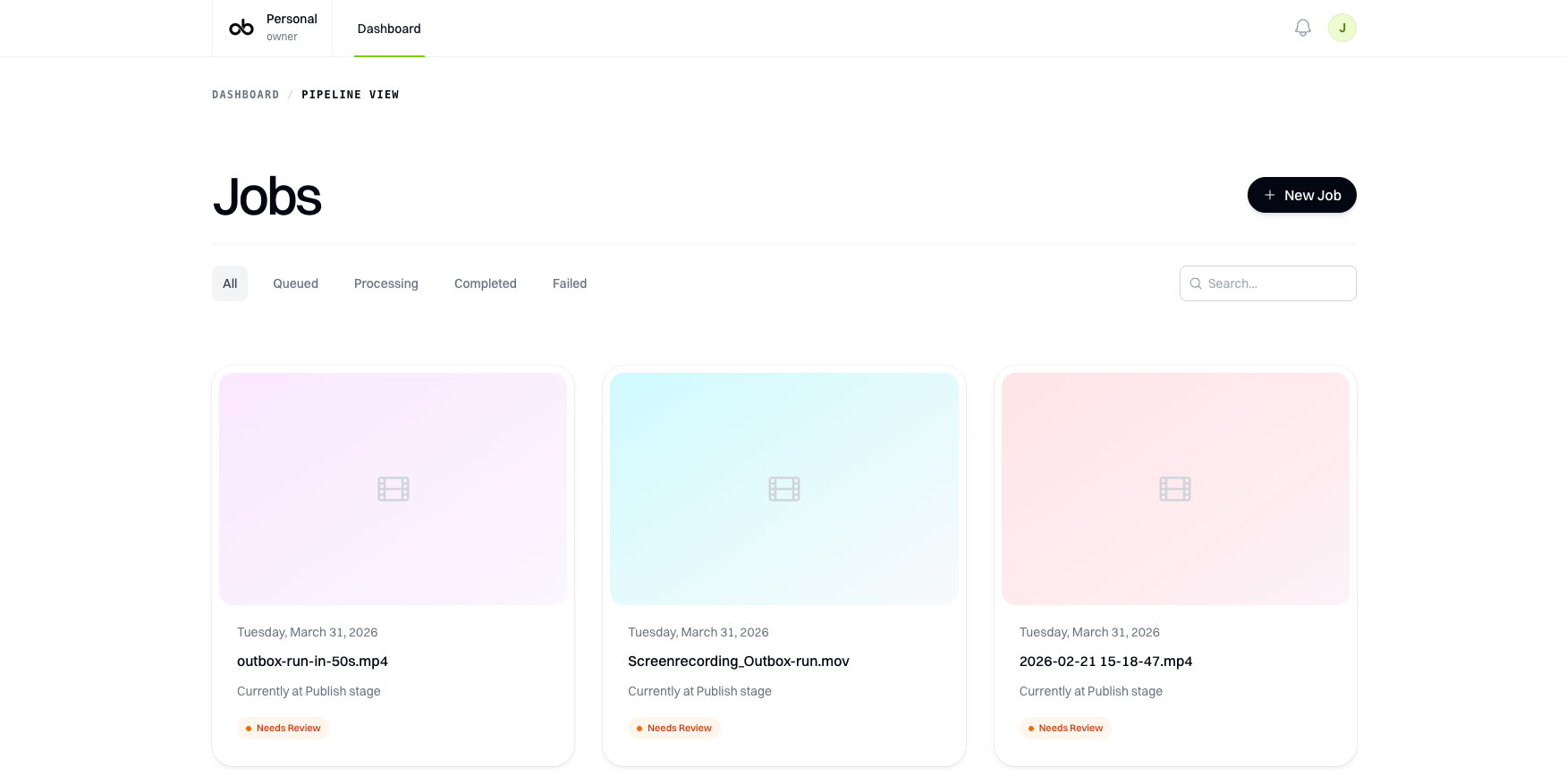
Stage-by-stage dashboard
Screenshot

Stage-by-stage dashboard

Track each run, inspect artifacts, and understand exactly where the job is in the pipeline.

Video proof

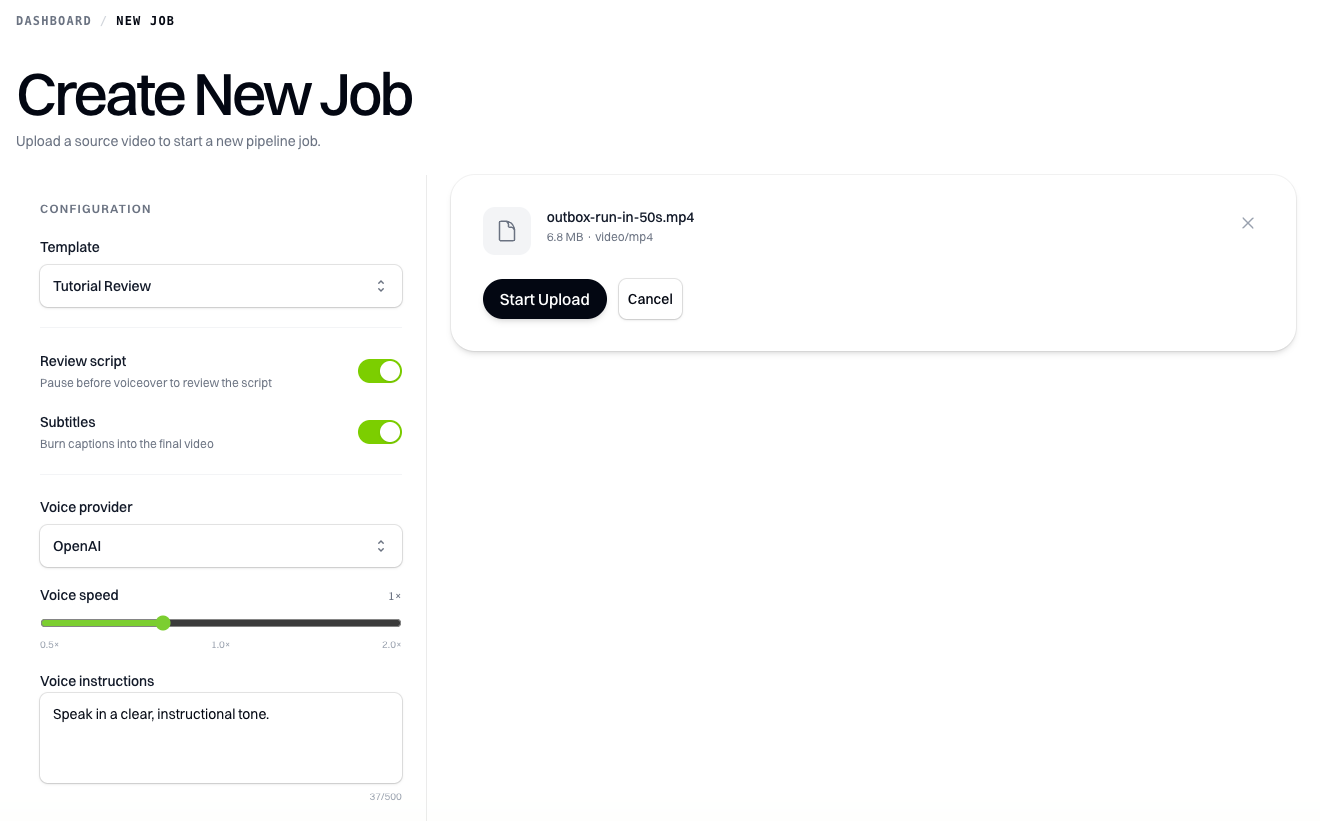
Source footage intake

Raw input is the starting point. The rest of the pipeline is built to take it from upload to publish.

Structured source context
Screenshot

Structured source context

Capture the information the downstream stages need without juggling separate docs, prompts, and editors.

Voiceover and scene pacing
Screenshot

Voiceover and scene pacing

Review how audio, cut decisions, and screen rhythm line up before you commit to a publish step.

Reusable promo assets
Screenshot

Reusable promo assets

Still frames, captions, and visuals can be repurposed for launch posts, thumbnails, and channel updates.

Need this for your own workflow? Join the waitlist and we'll let you know when early access opens.